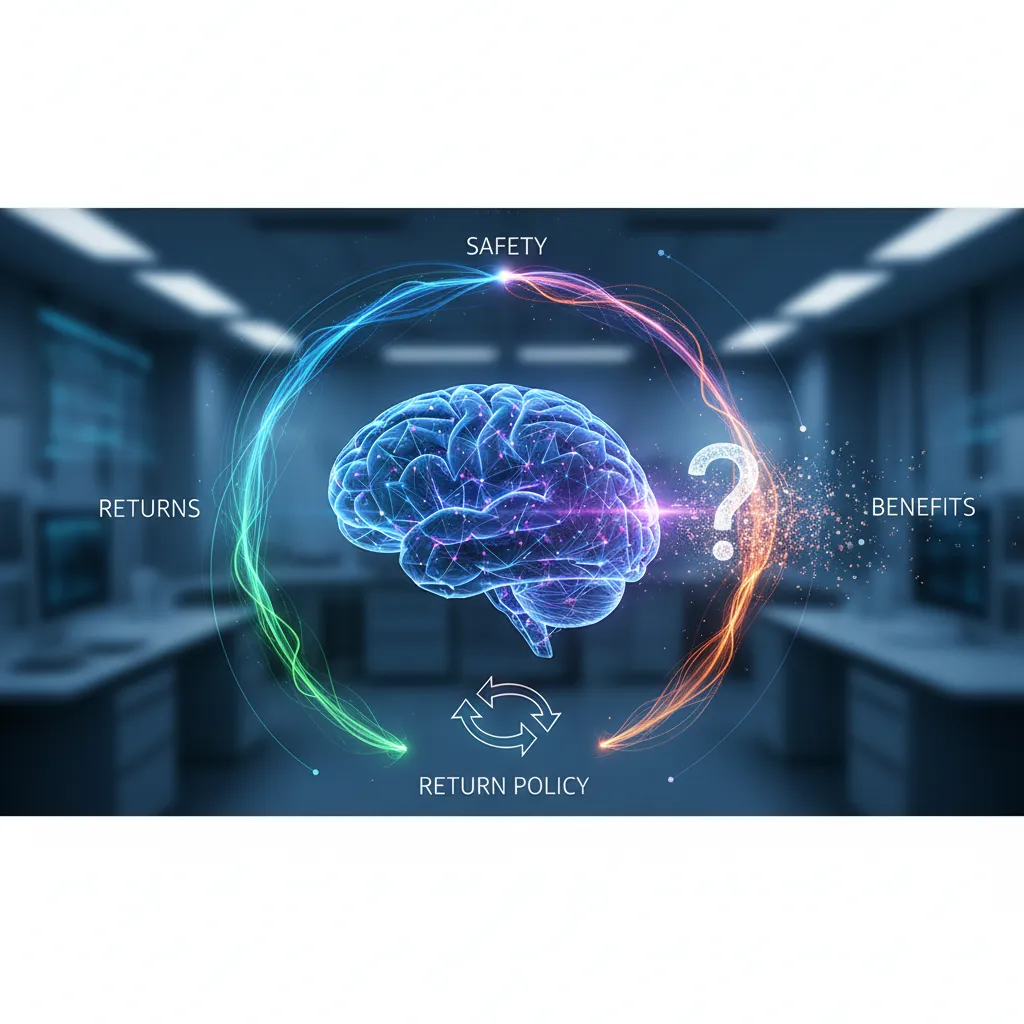
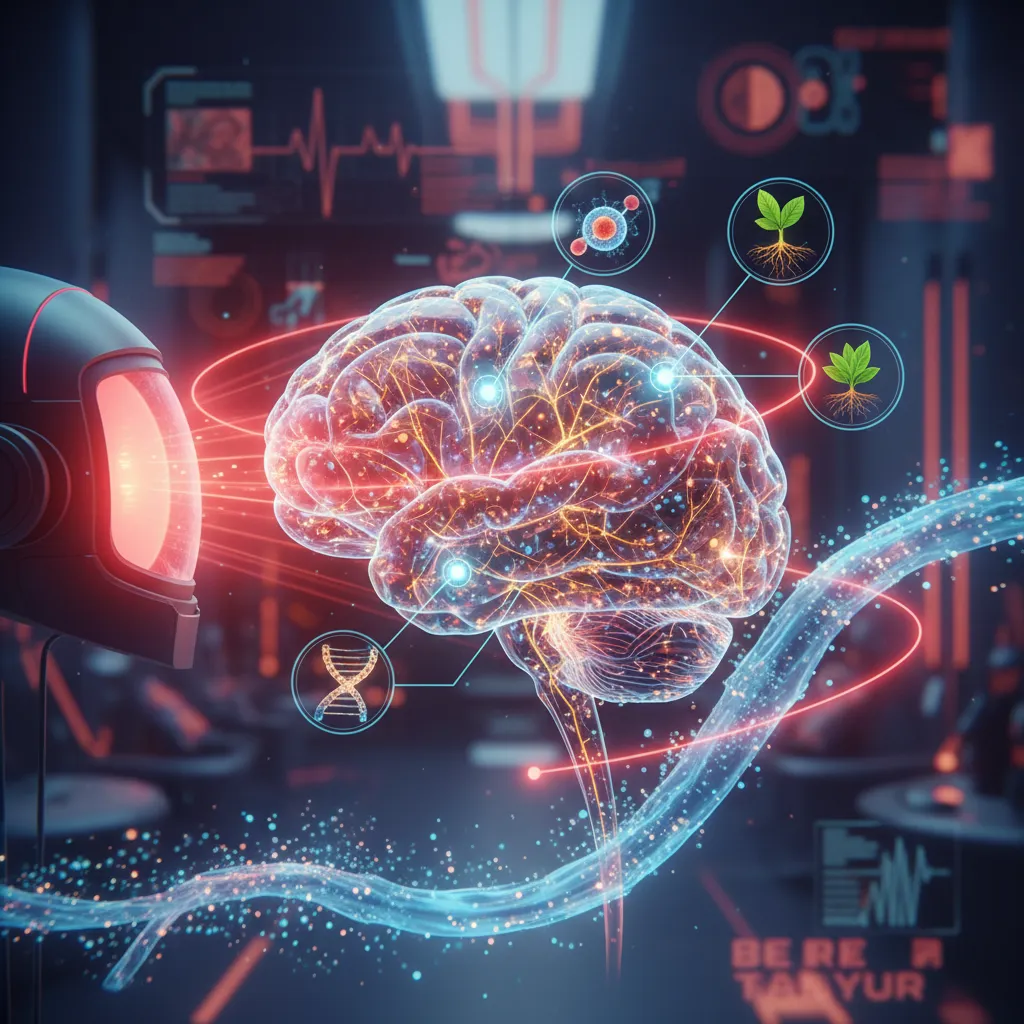
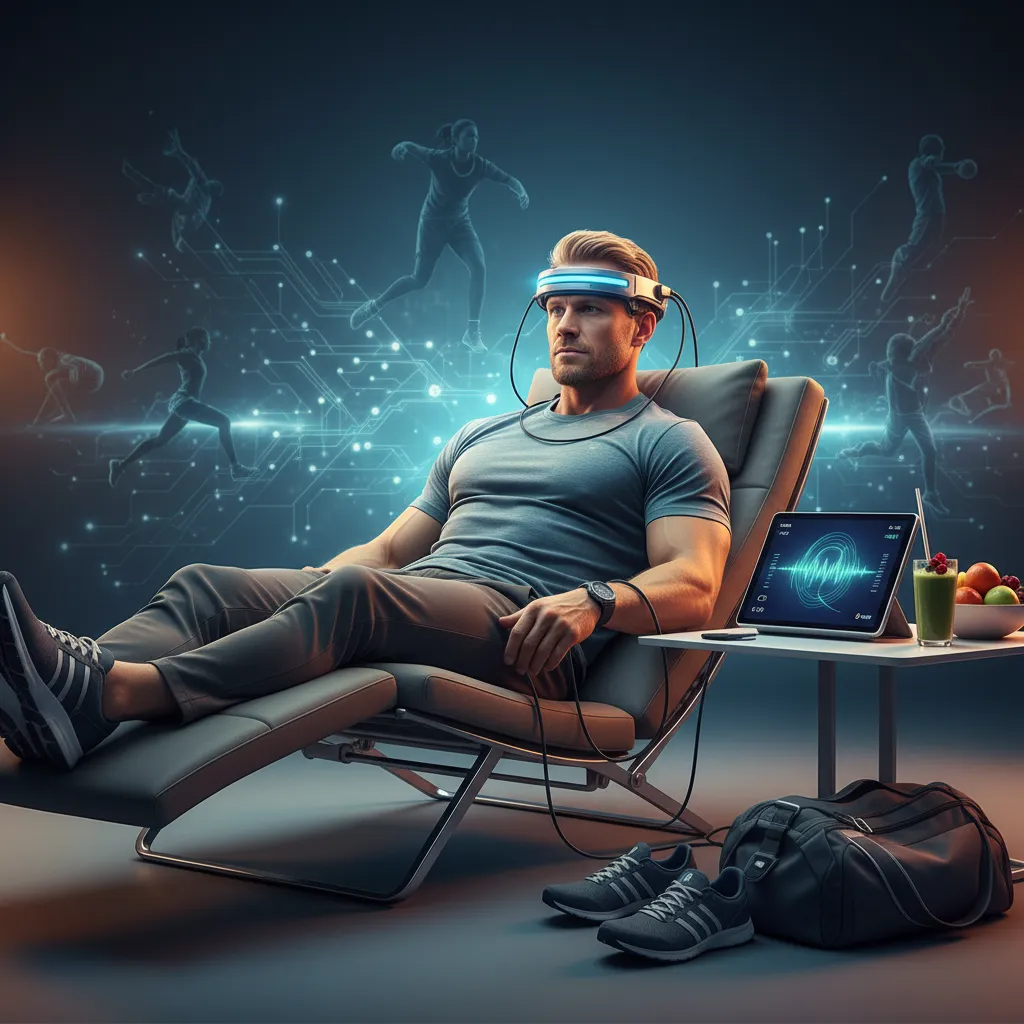
NeuroVizr is a device designed to optimize brain function, improve sleep, and reduce stress/anxiety through light and sound stimulation. It is generally safe for most users, but precautions are necessary for individuals with epilepsy or photosensitivity, who should consult a doctor. Optimal use is typically once or twice daily for 20-40 minutes. The device connects to smartphones via a dedicated app for easy control. NeuroTech Insider offers a return policy, and customer support can be reached via their website. While minor side effects like headaches or nausea can occur initially, they usually subside. NeuroVizr is a supportive tool, not a medical treatment replacement.
✅ Pros
Optimizes brain function
Improves sleep quality
Reduces stress and anxiety
Promotes relaxation
User-friendly smartphone integration
Manufacturer offers return policy
❌ Cons
Not suitable for individuals with epilepsy or photosensitivity without medical consultation
Can cause mild temporary side effects (headaches, nausea)
Not a replacement for medical treatment
Requires smartphone compatibility
Risk of overstimulation if used excessively
NeuroVizr FAQ addresses common concerns regarding this innovative device designed to optimize brain function and improve sleep. NeuroTech Insider understands the importance of safety and clarity, offering detailed answers to frequently asked questions about NeuroVizr, including usage guidelines, safety protocols, and return policies. Dive into the specifics of neuro-optimization, brainwave entrainment, and the science behind the device.
Is NeuroVizr Safe to Use?
Quick Answer: NeuroVizr is generally safe for most users when used as directed. However, individuals with epilepsy or photosensitivity should consult their doctor before use.
The primary concern for many potential users revolves around the safety of using NeuroVizr. This is a valid concern, especially given that NeuroVizr utilizes light and sound stimulation to influence brainwave activity. NeuroTech Insider prioritizes user safety and has incorporated several safeguards into the design and usage guidelines of NeuroVizr. Clinical trials and user feedback consistently indicate a high safety profile when the device is used according to the provided instructions.
For individuals with epilepsy or a history of photosensitivity, it is crucial to consult with a healthcare professional before using NeuroVizr. While the device is designed to minimize the risk of triggering seizures, the flashing lights could potentially pose a risk for these individuals. A medical professional can assess the specific risks and benefits based on individual health history and provide personalized recommendations.
It’s also important to note that NeuroVizr is not intended to replace medical treatment for any underlying condition. If you are experiencing sleep problems, anxiety, or other health concerns, it’s essential to consult with a qualified healthcare provider for proper diagnosis and treatment.
What Precautions Should I Take Before Using NeuroVizr?
Quick Answer: Read the user manual thoroughly, start with the lowest intensity settings, and use the device in a comfortable and safe environment.
Before embarking on your neuro-optimization journey with NeuroVizr, it’s imperative to take certain precautions to ensure a safe and enjoyable experience:
•Read the User Manual: Familiarize yourself with all the instructions, warnings, and contraindications outlined in the user manual. This document serves as your comprehensive guide to using NeuroVizr safely and effectively.
•Start with Lowest Intensity: Begin with the lowest intensity settings for both light and sound stimulation. Gradually increase the intensity as you become more comfortable with the device and its effects.
•Comfortable Environment: Use NeuroVizr in a comfortable and safe environment where you can relax without distractions. Avoid using the device while driving, operating machinery, or engaging in any activity that requires your full attention.
•Hydration: Ensure you are adequately hydrated before and after using NeuroVizr.
What is the NeuroVizr Return Policy?
Quick Answer: NeuroTech Insider offers a satisfaction guarantee with a specific return window. Check the website for the most current and detailed return policy information.
Top 10 FAQs About NeuroVizr: Safety, Returns & Usage – NeuroVizr FAQ – 1
NeuroTech Insider understands that purchasing a neuro-technology device is an investment, and they want customers to feel confident in their purchase. To that end, NeuroTech Insider offers a return policy on the NeuroVizr device. The specifics of the return policy, including the duration of the return window and any applicable conditions, are detailed on the NeuroTech Insider website.
It is important to review the return policy carefully before making a purchase to ensure that you understand the terms and conditions. The return policy typically covers defects in materials or workmanship, as well as dissatisfaction with the device’s performance. However, it may not cover damage caused by misuse or improper handling.
To initiate a return, you will typically need to contact NeuroTech Insider’s customer support team and obtain a return authorization number. You will then need to ship the device back to NeuroTech Insider in its original packaging, along with all included accessories and documentation. Once NeuroTech Insider receives the returned device, they will inspect it and process your refund or exchange, according to the terms of the return policy.
What are the Steps to Return My NeuroVizr Device?
Quick Answer: Contact customer support, obtain a return authorization, package the device securely, and ship it back to NeuroTech Insider.
Returning your NeuroVizr device involves a few simple steps:
Contact Customer Support: Reach out to NeuroTech Insider’s customer support team via their website or phone to initiate the return process.
Obtain Return Authorization: You will receive a Return Authorization (RA) number, which is essential for processing your return.
Package Securely: Repackage the NeuroVizr device in its original packaging, including all accessories and documentation. Ensure it is well-protected to prevent damage during shipping.
Ship it Back: Ship the package to the address provided by NeuroTech Insider’s customer support, clearly marking the RA number on the outside of the package.
How Many Times a Day Can I Use NeuroVizr?
Quick Answer: It is generally recommended to use NeuroVizr once or twice a day, with sessions lasting between 20 to 40 minutes.
The optimal frequency of NeuroVizr use can vary depending on individual needs and preferences. However, NeuroTech Insider generally recommends using the device once or twice a day, with sessions lasting between 20 and 40 minutes. This allows sufficient time for the light and sound stimulation to influence brainwave activity without overstimulation.
Top 10 FAQs About NeuroVizr: Safety, Returns & Usage – NeuroVizr safety – 2
It’s important to listen to your body and adjust the frequency and duration of use accordingly. Some individuals may find that they benefit from shorter, more frequent sessions, while others may prefer longer, less frequent sessions. If you experience any discomfort or adverse effects, such as headaches or nausea, reduce the frequency or duration of use or discontinue use altogether.
Consistency is key when it comes to achieving the desired results with NeuroVizr. Regular use, according to the recommended guidelines, can help to promote relaxation, improve sleep quality, and enhance cognitive function. However, it’s also important to avoid overdoing it, as excessive use can potentially lead to overstimulation and fatigue.
Can I Use NeuroVizr More Than Twice a Day?
Quick Answer: While possible, it’s recommended to stick to the recommended usage of once or twice a day to avoid overstimulation.
While using NeuroVizr more than twice a day is technically possible, it is generally not recommended. Overstimulation can lead to adverse effects such as headaches, fatigue, and difficulty concentrating. Sticking to the recommended usage of once or twice a day allows your brain to adapt to the stimulation and prevents potential negative consequences.
Does NeuroVizr Work with My Phone?
Quick Answer: NeuroVizr typically connects to your phone via Bluetooth, allowing you to control settings and access different programs through a dedicated app.
The NeuroVizr device is designed to seamlessly integrate with your smartphone for ease of use and control. Typically, it connects to your phone via Bluetooth, allowing you to manage settings, select programs, and track your progress through a dedicated mobile application. This app is usually available for both iOS and Android devices, ensuring compatibility with a wide range of smartphones.
The app provides a user-friendly interface for customizing your NeuroVizr experience. You can adjust the intensity of the light and sound stimulation, choose from a variety of pre-programmed sessions designed for different purposes (e.g., relaxation, focus, sleep enhancement), and create your own custom sessions tailored to your specific needs. The app may also track your usage data, allowing you to monitor your progress over time and identify patterns that may be affecting your results.
Top 10 FAQs About NeuroVizr: Safety, Returns & Usage – NeuroVizr usage – 3
Before purchasing NeuroVizr, it’s a good idea to check the compatibility of the app with your specific phone model and operating system. You can usually find this information on the NeuroTech Insider website or in the product documentation. Additionally, make sure that your phone has Bluetooth enabled and that you have granted the app the necessary permissions to access Bluetooth and other relevant features.
What if My Phone Is Not Compatible with the NeuroVizr App?
Quick Answer: While compatibility is broad, check the NeuroTech Insider website for a list of compatible devices. If your phone isn’t compatible, you may need to use a different device or consider upgrading.
If your phone is not compatible with the NeuroVizr app, you may need to consider alternative solutions. First, check the NeuroTech Insider website for a list of compatible devices. If your phone is not on the list, it may be necessary to use a different compatible device, such as a tablet or another smartphone. Alternatively, you may need to consider upgrading your phone to a newer model that is compatible with the app. Contact NeuroTech Insider for more details.
How Do I Contact NeuroTech Insider Customer Service for NeuroVizr Support?
Quick Answer: You can find NeuroTech Insider’s contact information, including email addresses and phone numbers, on their official website.
NeuroTech Insider provides multiple avenues for customers to reach their customer service team for assistance with NeuroVizr. The most reliable way to find their contact information is to visit their official website. Look for a “Contact Us” or “Support” page, where you will typically find email addresses, phone numbers, and possibly a contact form.
When contacting customer service, be prepared to provide details about your NeuroVizr device, such as the model number and purchase date. Also, clearly explain the issue you are experiencing and any troubleshooting steps you have already taken. This will help the customer service representative to understand your problem and provide you with the most effective solution.
NeuroTech Insider’s customer service team is typically available during regular business hours. However, response times may vary depending on the volume of inquiries. If you don’t receive an immediate response, don’t be afraid to follow up after a reasonable period of time. You can also check the NeuroTech Insider website for FAQs or other self-help resources that may answer your question.
Top 10 FAQs About NeuroVizr: Safety, Returns & Usage – NeuroVizr benefits – 4
What Information Should I Have Ready When Contacting Support?
Quick Answer: Have your device model, purchase date, and a clear description of the issue ready for efficient support.
To ensure efficient and effective support, have the following information ready when contacting NeuroTech Insider’s customer service:
•Device Model: The specific model number of your NeuroVizr device.
•Purchase Date: The date you purchased the device.
•Description of the Issue: A clear and concise explanation of the problem you are experiencing.
Are There Any Known Side Effects of Using NeuroVizr?
Quick Answer: Some users may experience mild headaches or nausea, especially when first starting to use the device. These side effects are usually temporary and subside with continued use.
While NeuroVizr is generally considered safe for most users, some individuals may experience mild side effects, particularly when they first start using the device. These side effects are typically temporary and tend to subside with continued use as the brain adapts to the light and sound stimulation.
Common side effects may include mild headaches, nausea, and visual disturbances. In rare cases, some individuals may experience anxiety or insomnia. If you experience any of these side effects, it’s important to reduce the intensity or duration of your NeuroVizr sessions or discontinue use altogether. If the side effects persist or worsen, consult with a healthcare professional.
It’s important to note that NeuroVizr is not intended to replace medical treatment for any underlying condition. If you are experiencing sleep problems, anxiety, or other health concerns, it’s essential to consult with a qualified healthcare provider for proper diagnosis and treatment.
What Should I Do if I Experience Side Effects?
Quick Answer: Reduce intensity, shorten sessions, or discontinue use if side effects occur. Consult a doctor if they persist.
Top 10 FAQs About NeuroVizr: Safety, Returns & Usage – NeuroVizr return policy – 5
If you experience any side effects while using NeuroVizr, take the following steps:
•Reduce Intensity: Lower the intensity of the light and sound stimulation.
•Shorten Sessions: Reduce the duration of your NeuroVizr sessions.
•Discontinue Use: If side effects persist, discontinue use of the device.
•Consult a Doctor: If side effects persist or worsen, consult with a healthcare professional.
Can NeuroVizr Help with Insomnia?
Quick Answer: Yes, NeuroVizr can be a helpful tool for managing insomnia by promoting relaxation and regulating sleep patterns.
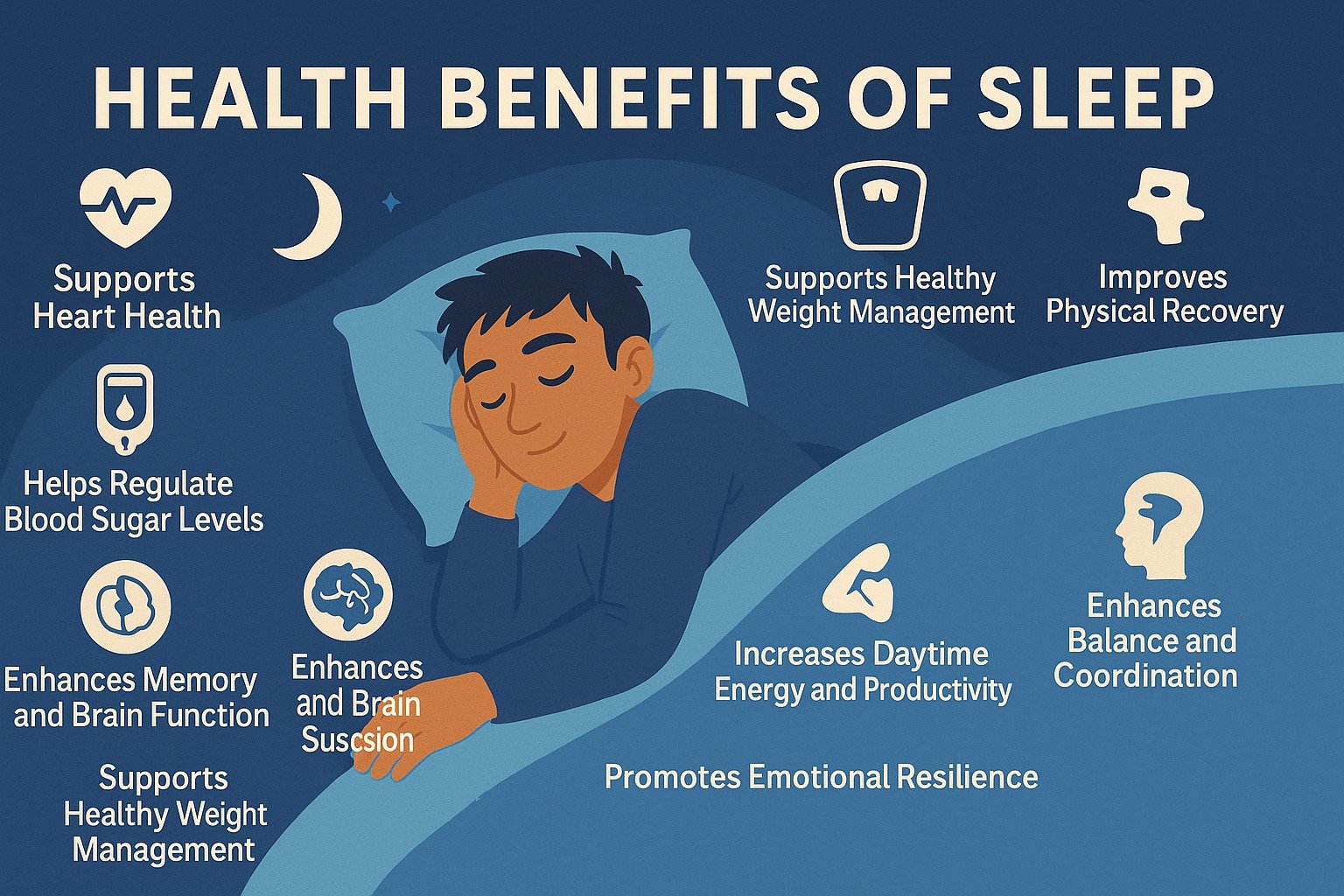
NeuroVizr can be a valuable tool for managing insomnia by promoting relaxation, regulating sleep patterns, and reducing stress. The device’s light and sound stimulation can help to entrain brainwaves to frequencies associated with sleep, such as alpha and theta waves. This can help to calm the mind, reduce racing thoughts, and promote a sense of relaxation, making it easier to fall asleep and stay asleep.
In addition to its direct effects on brainwave activity, NeuroVizr can also help to improve sleep hygiene. By using the device regularly, you can create a consistent bedtime routine that signals to your brain that it’s time to sleep. This can help to regulate your body’s natural sleep-wake cycle and improve the overall quality of your sleep.
It’s important to note that NeuroVizr is not a cure for insomnia. However, it can be a helpful tool for managing symptoms and improving sleep quality. For best results, use NeuroVizr in conjunction with other sleep hygiene practices, such as maintaining a regular sleep schedule, creating a relaxing bedtime environment, and avoiding caffeine and alcohol before bed.
Can NeuroVizr Help with Stress and Anxiety?
Quick Answer: Yes, the light and sound stimulation provided by NeuroVizr can help reduce stress and anxiety by promoting relaxation and calming the mind.
NeuroVizr is designed to help individuals manage stress and anxiety through the use of light and sound stimulation. This technology can promote relaxation and calm the mind, creating a sense of well-being. The device works by entraining brainwaves to frequencies associated with relaxation, such as alpha and theta waves, which can help reduce feelings of stress and anxiety.
Top 10 FAQs About NeuroVizr: Safety, Returns & Usage – NeuroVizr FAQ – 6
Stress has a significant Cost of Stress on both physical and mental health. By using NeuroVizr, individuals can potentially mitigate some of these negative effects, leading to improved overall health and well-being. It is important to remember that NeuroVizr is not a replacement for professional medical advice or treatment. If you are experiencing chronic or severe stress and anxiety, it is essential to consult with a healthcare provider.
💡 Verdict: NeuroVizr appears to be a promising neuro-optimization device for individuals seeking to improve sleep, manage stress, and enhance cognitive function. While generally safe, adherence to usage guidelines and precautions, especially for sensitive individuals, is crucial. It serves as a valuable complementary tool for well-being, but not a substitute for professional medical care.
Frequently Asked Questions
Is NeuroVizr Safe to Use?
NeuroVizr is generally safe for most users when used as directed, though individuals with epilepsy or photosensitivity should consult a doctor first.
How Many Times a Day Can I Use NeuroVizr?
It’s generally recommended to use NeuroVizr once or twice a day, with sessions lasting between 20 to 40 minutes, to avoid overstimulation.
Can NeuroVizr Help with Insomnia?
Yes, NeuroVizr can be a helpful tool for managing insomnia by promoting relaxation, regulating sleep patterns, and reducing stress, especially when combined with good sleep hygiene.