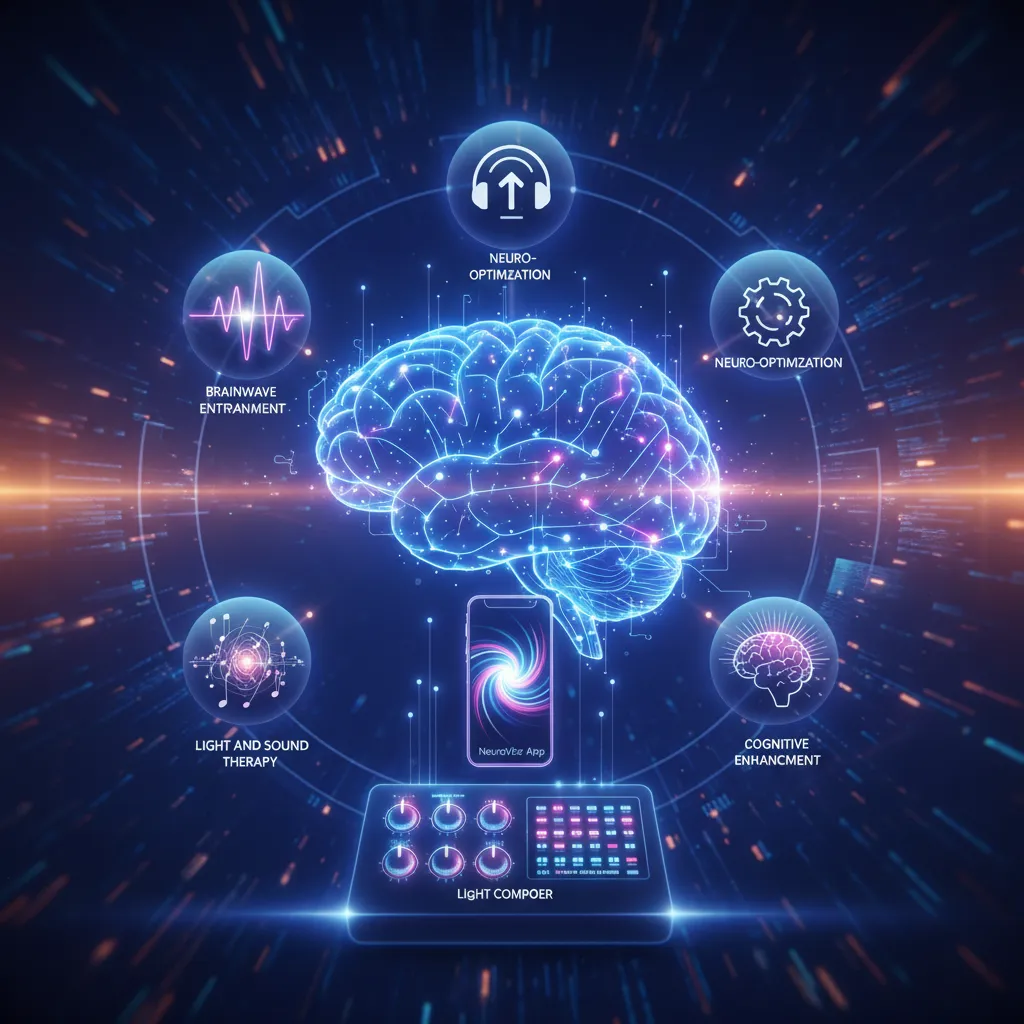
The NeuroVizr App from NeuroTech Insider is a revolutionary platform for personalized neuro-optimization through brainwave entrainment. It offers intuitive control over the NeuroVizr device, allowing users to customize light and sound frequencies, session durations, and intensity. The app boasts a diverse library of expert-crafted sessions for sleep improvement, focus enhancement, stress reduction, and cognitive performance, with new content added monthly. It features broad compatibility with Android and iOS devices and includes a powerful light and sound composer for creating custom sessions. The app stands out for its user-friendly design, continuous updates, and seamless device integration, empowering users to actively manage their well-being.
✅ Pros
Intuitive device control for personalized sessions
Extensive library of expert-designed sessions for various needs
Monthly content updates ensuring fresh and relevant programs
Broad compatibility with both Android and iOS devices
Powerful built-in light and sound composer for custom tracks
Seamless integration with the NeuroVizr hardware device
❌ Cons
Requires separate NeuroVizr device purchase
May require a learning curve for advanced custom session creation
Effectiveness can vary per individual
The NeuroVizr App, a cutting-edge tool from NeuroTech Insider, offers a revolutionary approach to brainwave entrainment and personalized neuro-optimization. This innovative application empowers users to manage and customize their NeuroVizr device settings, unlocking a world of possibilities for improved sleep, focus, and overall well-being. Explore the benefits of light and sound therapy, cognitive enhancement, and personalized brain sessions with this user-friendly platform. Discover the potential of brain training app, light composer tools, and customized brain sessions.
What Are The 5 Coolest Features of the NeuroVizr App?
Quick Answer: The NeuroVizr App boasts a wide array of features, but the coolest ones include intuitive device control, a diverse session library, regular content updates, broad device compatibility, and a powerful light and sound composer.
The NeuroVizr App is designed to be more than just a companion to the NeuroVizr device; it’s a gateway to personalized neuro-optimization. Let’s dive into the five coolest features that make this app a must-have for anyone looking to enhance their cognitive function, improve their sleep, or simply explore the fascinating world of brainwave entrainment.
5 Cool Features of the NeuroVizr App & Light Composer – NeuroVizr App – 1
How Does the NeuroVizr App Control the NeuroVizr Device?
Quick Answer: The NeuroVizr App provides complete control over the NeuroVizr device, allowing users to adjust light and sound frequencies, session durations, and intensity levels. This allows for a truly personalized experience tailored to individual needs and preferences.
The NeuroVizr App acts as the central command center for your NeuroVizr device. It uses a secure Bluetooth connection to communicate with the device, allowing you to adjust a wide range of parameters in real-time. Here’s a breakdown of what you can control:
5 Cool Features of the NeuroVizr App & Light Composer – brainwave entrainment – 2
•Light Frequency: Control the frequency of the light pulses emitted by the NeuroVizr device. This is crucial for brainwave entrainment, as different frequencies are associated with different mental states (e.g., alpha waves for relaxation, beta waves for focus).
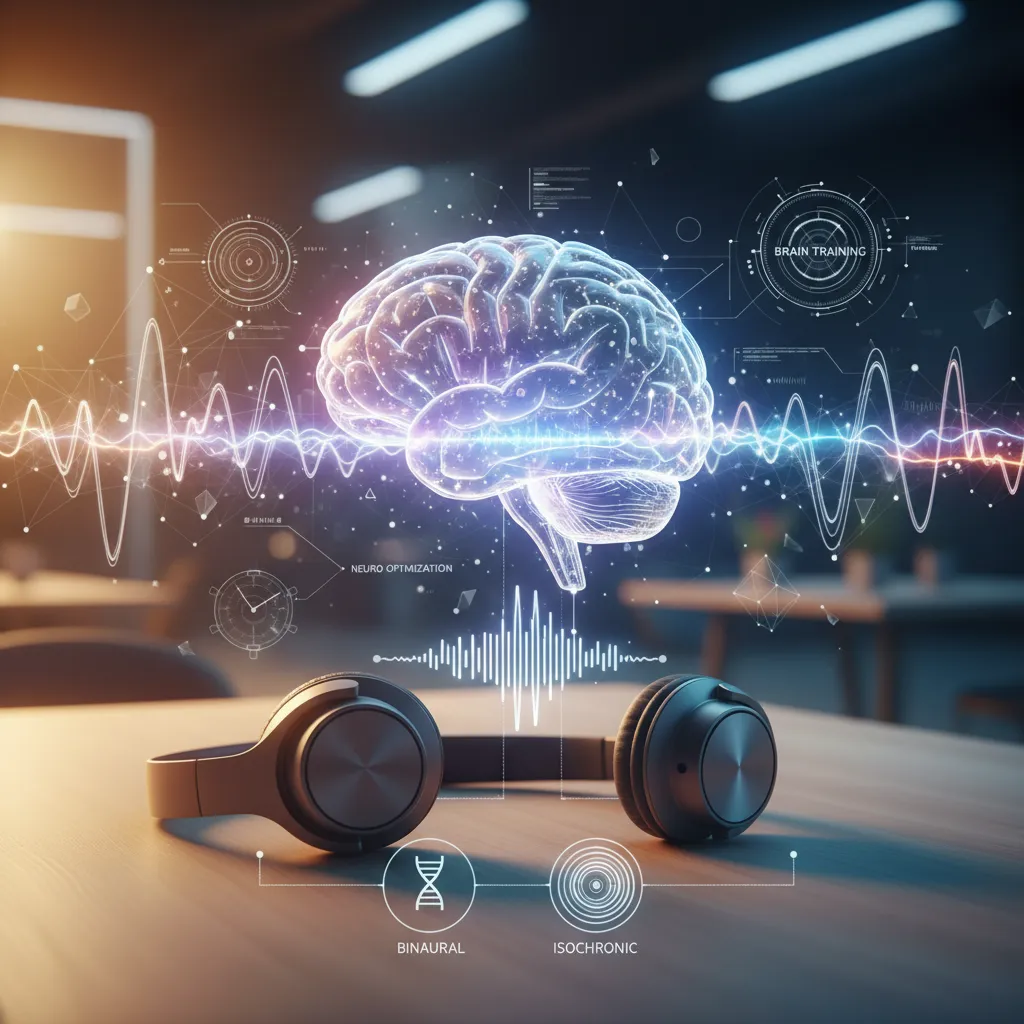
•Sound Frequency: Similar to light frequency, you can adjust the sound frequencies to further enhance the brainwave entrainment process. The app supports binaural beats, isochronic tones, and other auditory stimuli.
•Session Duration: Set the length of each session to fit your schedule and desired outcome. Whether you need a quick 15-minute boost or a longer 60-minute relaxation session, the app has you covered.
•Intensity Levels: Adjust the brightness of the lights and the volume of the sounds to find the perfect level of stimulation for your comfort. This is especially important for individuals who are sensitive to light or sound.
By providing this level of control, the NeuroVizr App empowers you to fine-tune your neuro-optimization experience and achieve the best possible results. Imagine being able to precisely adjust the light and sound frequencies to match your specific needs, whether you’re trying to improve your sleep, boost your focus, or reduce your stress levels. This level of personalization is what sets the NeuroVizr App apart from other brainwave entrainment tools.
What Kind of Sessions Are Available in the NeuroVizr App Library?
Quick Answer: The NeuroVizr App features a diverse library of pre-programmed sessions designed to address a variety of needs, including sleep improvement, stress reduction, focus enhancement, and cognitive performance. These sessions are carefully crafted by neuroscientists and experts in brainwave entrainment.
5 Cool Features of the NeuroVizr App & Light Composer – neuro-optimization – 3
The NeuroVizr App’s session library is a treasure trove of neuro-optimization programs. Each session is designed with specific brainwave frequencies and patterns to achieve a desired outcome. Here’s a glimpse into the types of sessions you can find:
•Sleep Sessions: These sessions utilize delta and theta brainwave frequencies to promote relaxation and improve sleep quality. They are designed to help you fall asleep faster, stay asleep longer, and wake up feeling refreshed. Consider exploring Light Color for Sleep to further enhance your sleep environment.
•Focus Sessions: These sessions use beta and gamma brainwave frequencies to enhance focus, concentration, and cognitive performance. They are perfect for students, professionals, or anyone who needs a mental boost.
•Relaxation Sessions: These sessions utilize alpha and theta brainwave frequencies to promote relaxation and reduce stress. They are ideal for unwinding after a long day or managing anxiety. Discover the Benefits of Sleep and how it contributes to overall well-being.
•Cognitive Enhancement Sessions: These sessions are designed to improve memory, learning, and overall cognitive function. They utilize a combination of different brainwave frequencies and patterns to stimulate the brain and promote neuroplasticity.
The sessions are designed by experts and are backed by scientific research. The NeuroVizr team continuously updates the library with new sessions based on the latest findings in neuroscience. Furthermore, each session comes with a detailed description of its purpose, the brainwave frequencies used, and the expected benefits. This transparency allows users to make informed decisions about which sessions are right for them. Understanding the scientific basis can also help address concerns related to Adult Night Terrors and promote healthier sleep habits.
5 Cool Features of the NeuroVizr App & Light Composer – light and sound therapy – 4
How Often Does the NeuroVizr App Get Updated with New Sessions?
Quick Answer: NeuroTech Insider is committed to providing users with the latest and most effective neuro-optimization techniques. The NeuroVizr App receives regular updates, with new sessions added monthly, ensuring a constantly evolving and expanding library of content.
The NeuroVizr App’s session library is not static. NeuroTech Insider is dedicated to keeping the content fresh and relevant by adding new sessions on a monthly basis. These updates include:
5 Cool Features of the NeuroVizr App & Light Composer – cognitive enhancement – 5
•New Session Themes: The team explores emerging trends in neuroscience and neuro-optimization to create sessions that address specific needs and interests.
•Improved Session Algorithms: Existing sessions are constantly refined and optimized based on user feedback and the latest scientific research.
•Guest Sessions: NeuroTech Insider collaborates with leading neuroscientists and experts to create exclusive sessions that are only available on the NeuroVizr App.
These updates ensure that the NeuroVizr App remains a cutting-edge tool for neuro-optimization, providing users with access to the latest and most effective techniques. The frequent updates also show NeuroTech Insider’s commitment to its users and their well-being. For those experiencing Sleep Deprivation Fainting, regular updates can bring improved sessions to aid in better sleep and overall health. The constant evolution of the app reflects the dynamic nature of neuroscience and the company’s dedication to staying at the forefront of the field.
Is the NeuroVizr App Compatible With My Phone?
Quick Answer: The NeuroVizr App is designed for broad compatibility, supporting both Android and iOS devices. It requires a relatively recent operating system (Android 8.0 or later, iOS 13.0 or later) and Bluetooth connectivity to communicate with the NeuroVizr device.
5 Cool Features of the NeuroVizr App & Light Composer – NeuroVizr App – 6
NeuroTech Insider understands the importance of accessibility and has designed the NeuroVizr App to be compatible with a wide range of smartphones and tablets. Here’s a breakdown of the compatibility requirements:
•Operating System: The app is compatible with Android devices running Android 8.0 (Oreo) or later and iOS devices running iOS 13.0 or later. These operating systems cover a vast majority of smartphones and tablets currently in use.
•Bluetooth Connectivity: The app requires Bluetooth connectivity to communicate with the NeuroVizr device. Most modern smartphones and tablets come equipped with Bluetooth, so this should not be an issue for most users.
•Sufficient Storage Space: The app requires a relatively small amount of storage space. However, it is recommended to have at least 100MB of free space to ensure smooth operation and to accommodate future updates.
Before downloading the NeuroVizr App, it is always a good idea to check the app store listing for the most up-to-date compatibility information. NeuroTech Insider strives to maintain broad compatibility and regularly tests the app on a variety of devices to ensure optimal performance. For those new to neuro-technology, exploring Biohacking for Beginners can offer a broader understanding of how the NeuroVizr app fits into the landscape of personal optimization. By making the app accessible to a wide range of users, NeuroTech Insider aims to empower as many people as possible to experience the benefits of neuro-optimization.
5 Cool Features of the NeuroVizr App & Light Composer – brainwave entrainment – 7
Can I Create My Own Light and Sound Tracks with the NeuroVizr App?
Quick Answer: Yes! One of the most powerful features of the NeuroVizr App is its built-in light and sound composer. This allows users to create their own custom sessions, tailoring the light and sound frequencies to their specific needs and preferences.
The NeuroVizr App’s light and sound composer is a game-changer for those who want to take their neuro-optimization to the next level. It provides a user-friendly interface for creating custom sessions from scratch. Here’s what you can do with the composer:
5 Cool Features of the NeuroVizr App & Light Composer – neuro-optimization – 8
•Frequency Control: Precisely adjust the light and sound frequencies to create sessions that target specific brainwave patterns.
•Waveform Selection: Choose from a variety of waveforms (e.g., sine, square, triangle) to create unique auditory and visual experiences.
•Session Sequencing: Create complex sessions with multiple stages, each with its own unique frequency and waveform settings.
•Preset Library: Save your custom sessions to the library and share them with other users.
The light and sound composer is designed to be intuitive and easy to use, even for those with no prior experience in brainwave entrainment. The app provides helpful tutorials and guides to walk you through the process of creating custom sessions. For those interested in exploring alternatives, consider Light Therapy at Home as a supplementary approach. By empowering users to create their own custom sessions, NeuroTech Insider is fostering a community of neuro-optimization enthusiasts who are constantly pushing the boundaries of what’s possible. Furthermore, this feature allows individuals to address their specific needs and preferences, leading to a more personalized and effective neuro-optimization experience. The ability to customize brain sessions makes the NeuroVizr App a truly unique and powerful tool.
What Makes The NeuroVizr App Stand Out From Competitors?
Quick Answer: The NeuroVizr App distinguishes itself through its intuitive design, extensive session library, regular updates, broad compatibility, and powerful light and sound composer, providing a comprehensive and personalized neuro-optimization experience.
5 Cool Features of the NeuroVizr App & Light Composer – light and sound therapy – 9
In a market saturated with brain training apps, the NeuroVizr App truly shines by offering a unique blend of features and benefits. Here’s a more detailed look at what sets it apart:
•Intuitive Design: The app’s user-friendly interface makes it easy to navigate and use, even for those who are new to brainwave entrainment.
•Extensive Session Library: The app offers a wide variety of pre-programmed sessions designed to address a range of needs, including sleep improvement, stress reduction, focus enhancement, and cognitive performance.
•Regular Updates: The app is constantly updated with new sessions and features, ensuring that users always have access to the latest and most effective neuro-optimization techniques.
•Broad Compatibility: The app is compatible with both Android and iOS devices, making it accessible to a wide range of users.
•Powerful Light and Sound Composer: The app’s built-in light and sound composer allows users to create their own custom sessions, tailoring the light and sound frequencies to their specific needs and preferences.
•Integration with NeuroVizr Device: The app seamlessly integrates with the NeuroVizr device, allowing users to control the device directly from their smartphone or tablet.
The NeuroVizr App is more than just a brain training app; it’s a comprehensive neuro-optimization platform that empowers users to take control of their cognitive function and well-being. Its combination of features, ease of use, and scientific backing make it a standout choice in the market. As individuals seek innovative ways to enhance their health, Wearable Wellness Gadgets like the NeuroVizr gain prominence, and the app’s features cement its position as a leader in the field. NeuroTech Insider is committed to providing users with the best possible neuro-optimization experience, and the NeuroVizr App is a testament to that commitment.
Don’t miss the chance to revolutionize your sleep and cognitive performance with the latest neuro-technology. Unlock your potential today! Visit NeuroTech Insider to explore cutting-edge resources.
Special Offer: Get an exclusive discount on the NeuroVizr device. Experience the power of light and sound therapy. Get Your Discount Code Here
Sources:
• Brainwave Entrainment for Enhanced Cognitive Performance: https://www.ncbi.nlm.nih.gov/pmc/articles/PMC5487409/
• The Effects of Binaural Beats on Anxiety: https://www.ncbi.nlm.nih.gov/pmc/articles/PMC6885068/
• Light Therapy for Sleep Disorders: https://www.sleepfoundation.org/light-therapy
• Neuroplasticity and Cognitive Training: https://www.brainhq.com/everyday-brain-training/what-is-brain-training/neuroplasticity
💡 Verdict: The NeuroVizr App is an outstanding tool for anyone seeking to enhance their brain function and overall well-being. Its user-centric design, comprehensive features, and commitment to continuous improvement make it a leading solution in neuro-optimization. The ability to personalize sessions truly sets it apart.
Frequently Asked Questions
What are the 5 Coolest Features of the NeuroVizr App?
The NeuroVizr App boasts a wide array of features, but the coolest ones include intuitive device control, a diverse session library, regular content updates, broad device compatibility, and a powerful light and sound composer.
How Often Does the NeuroVizr App Get Updated with New Sessions?
NeuroTech Insider is committed to providing users with the latest and most effective neuro-optimization techniques. The NeuroVizr App receives regular updates, with new sessions added monthly, ensuring a constantly evolving and expanding library of content.
Can I Create My Own Light and Sound Tracks with the NeuroVizr App?
Yes! One of the most powerful features of the NeuroVizr App is its built-in light and sound composer. This allows users to create their own custom sessions, tailoring the light and sound frequencies to their specific needs and preferences.